
Per-sample gating
Keep one gating template for the whole experiment, and change a gate for only the samples that need it.
All samples in an experiment share one gating template: moving a gate moves it for every sample. Sometimes one sample needs a different boundary, for example because its scatter has shifted or a population sits a little higher. With per-sample gating you change that one gate for that one sample. Every other gate, and every other sample, stays on the template, and only the gates you change are stored for the sample.
Customise a gate
- Select the sample in the sample browser.
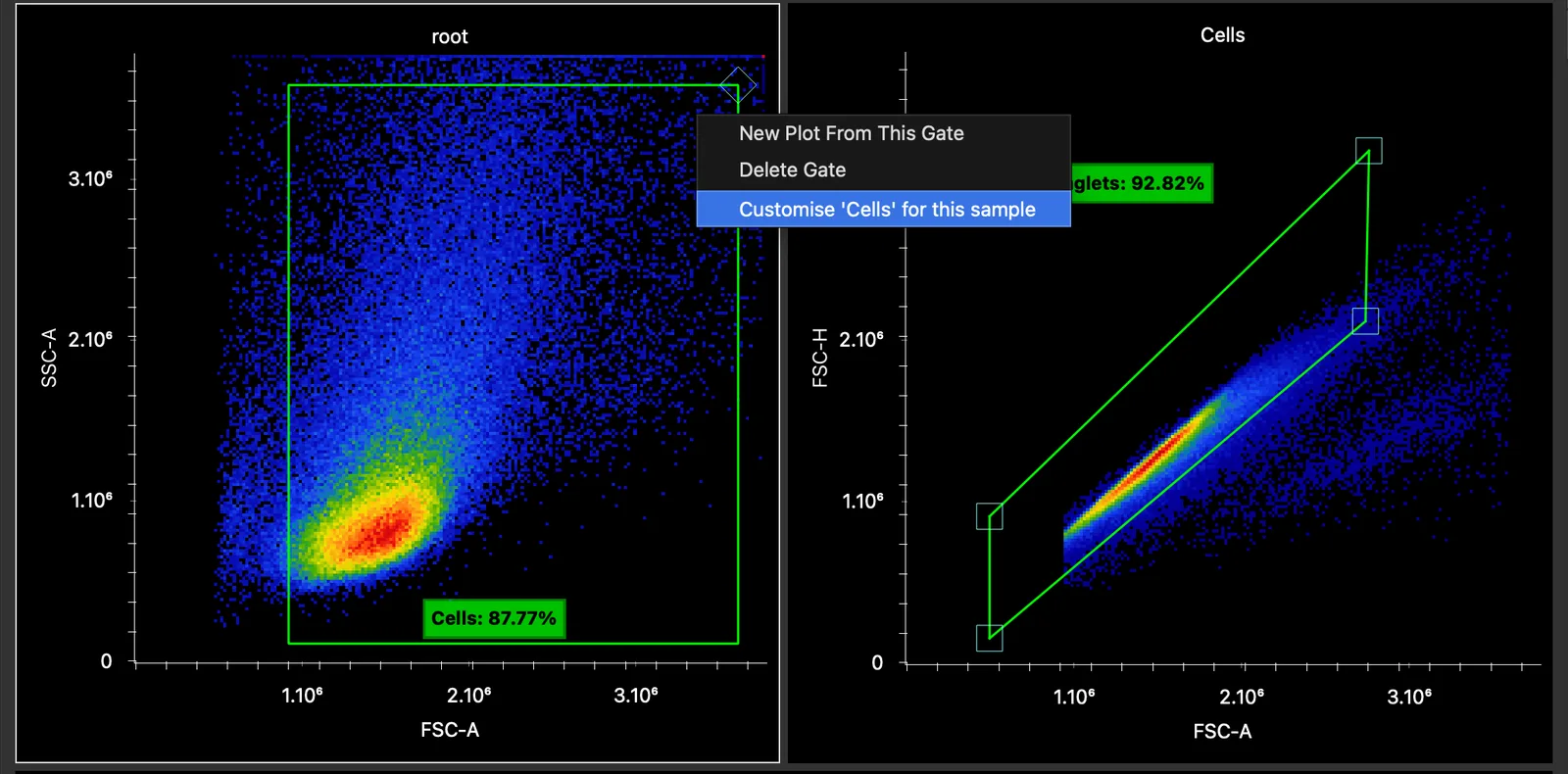
- Right-click the gate, on its plot or in the gating hierarchy, and choose Customise ‘‹gate›’ for this sample.
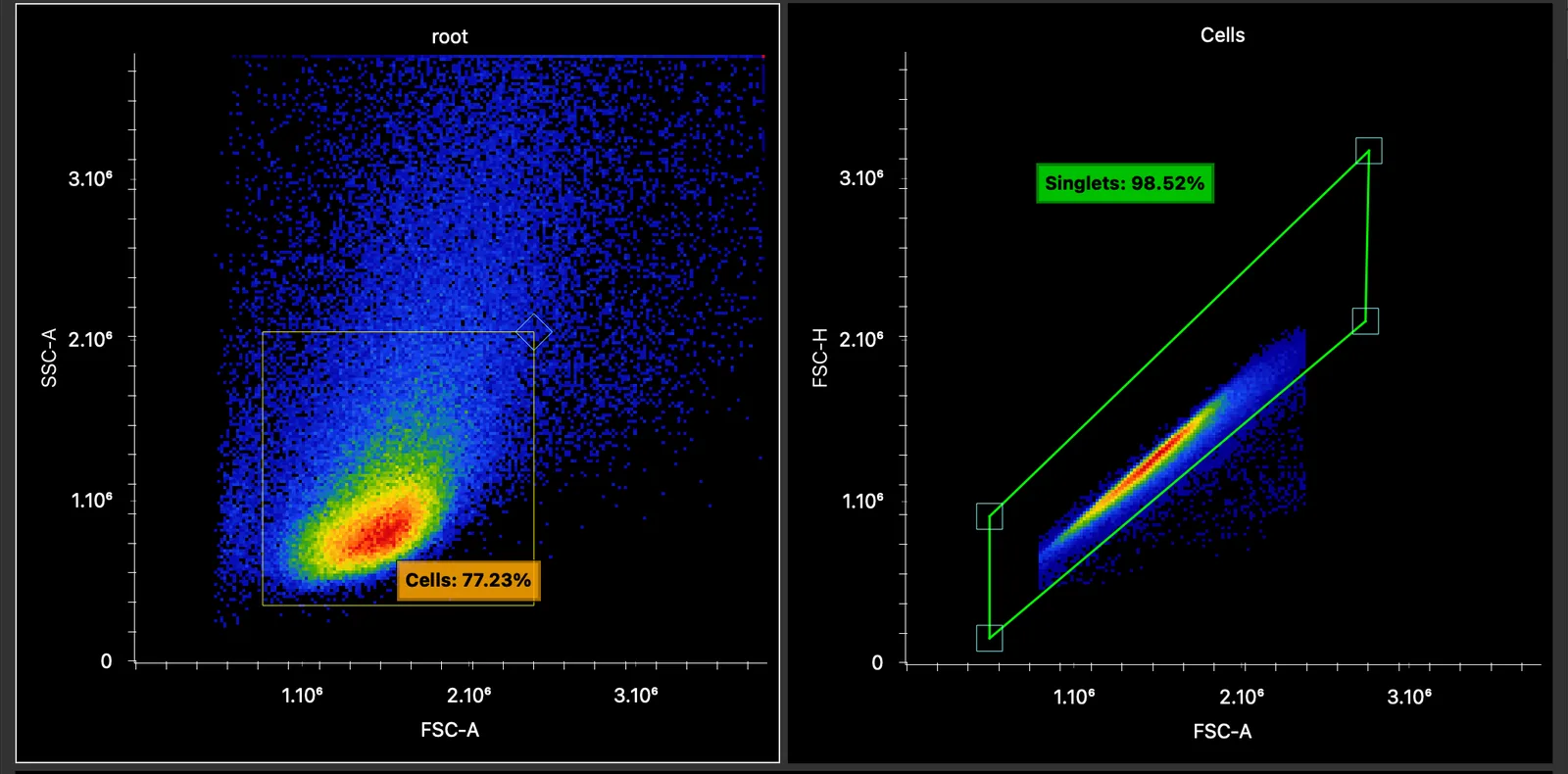
- The gate and its label turn orange. Moving or reshaping it now changes it for this sample only.
The option is greyed out when no sample is loaded, as there is then nothing to customise it for.
Revert or adopt
Right-click a customised gate for two more choices:
- Revert ‘‹gate›’ to template discards this sample’s version. The gate turns green again and follows the template.
- Adopt ‘‹gate›’ custom gate as template makes this sample’s version the new template. Every sample without its own version of the gate follows it.
When you switch samples, each sample shows its own version of a gate where it has one, and the template everywhere else.
Where per-sample gates are used
Per-sample gates are used everywhere a gate is used:
- the Unmixed Data and Raw Data tabs;
- the Spectral Process, for the gates of the controls;
- Simple Stats;
- Honeycluster and Automated Gating.
Customise a gate only where the template clearly misses the population. A gate moved to fit each sample’s data can hide the very differences you want to compare.